







Computer Technology Bulletin Board and Classroom Activity Ideas for Elementary School
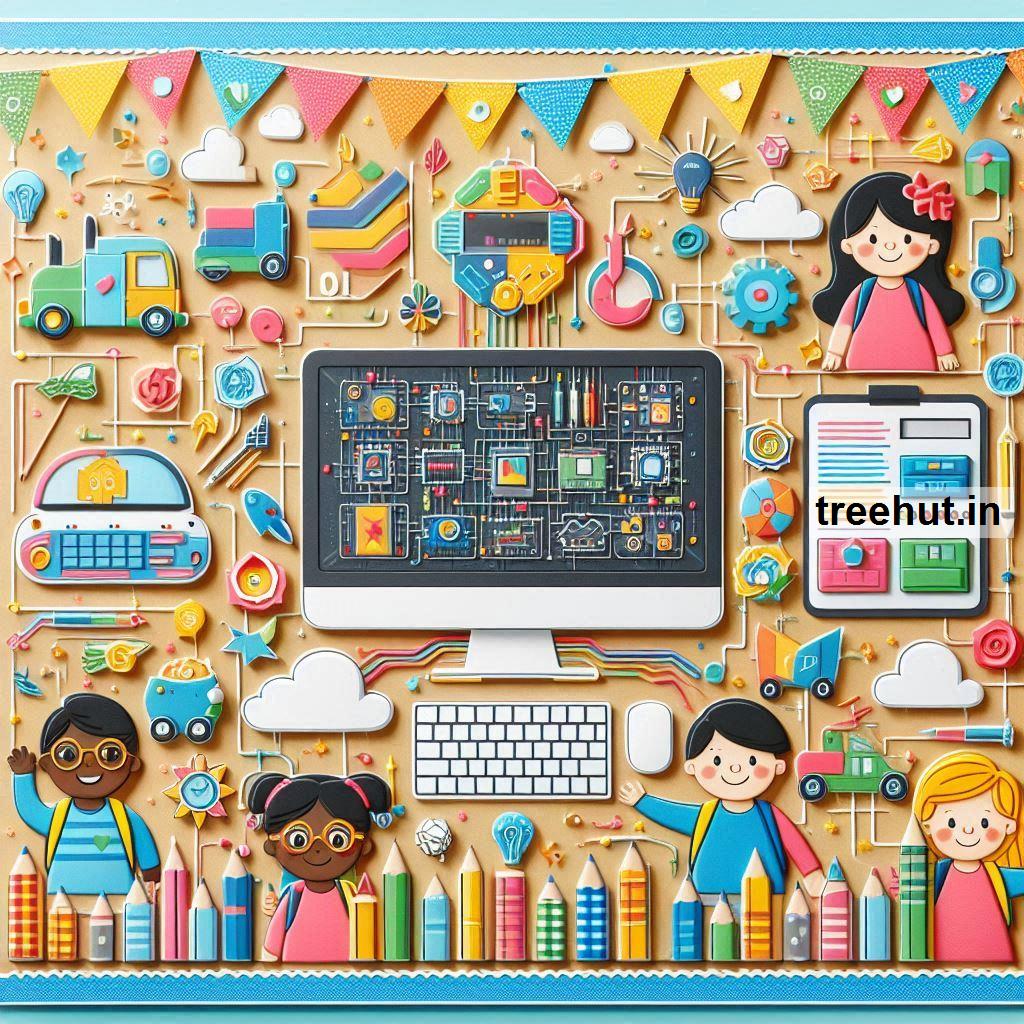
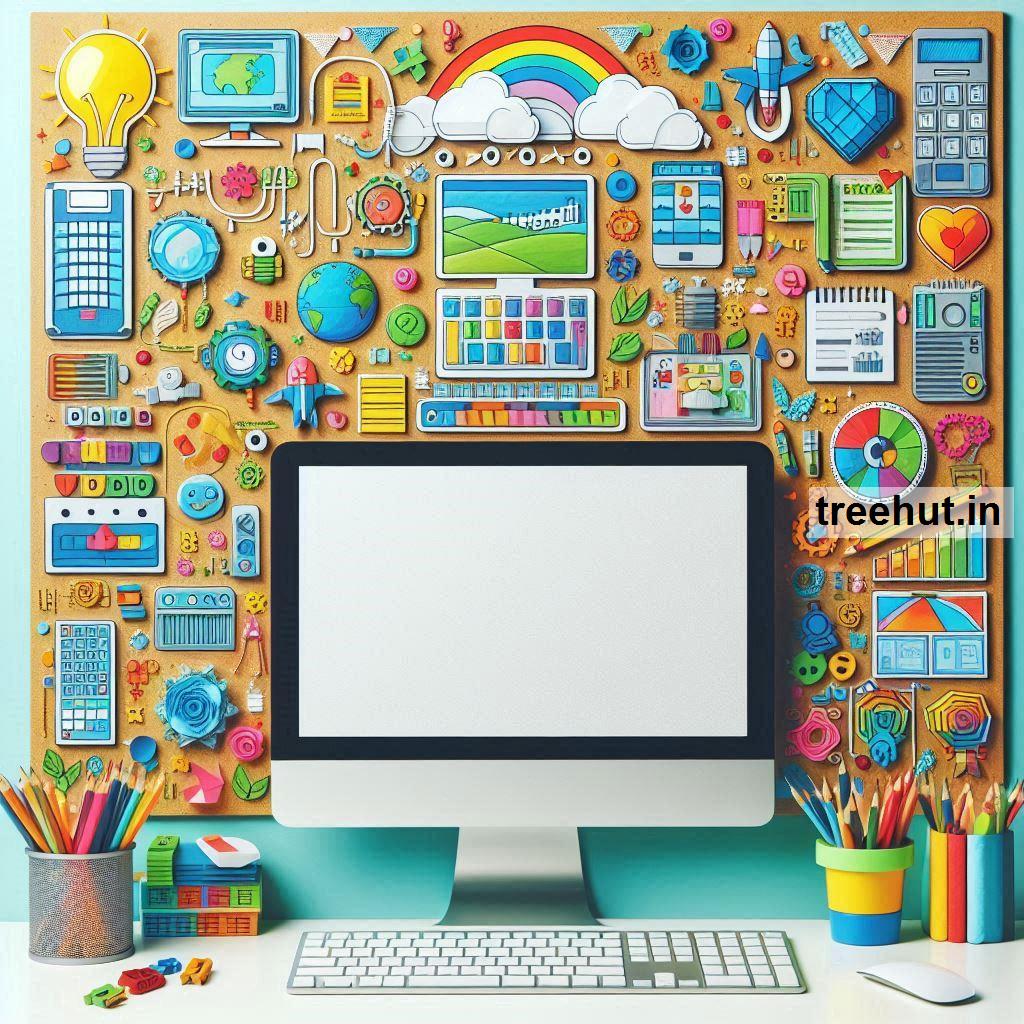


Computer Technology Bulletin Board and Classroom Activity Ideas for Elementary School
Bulletin Board Ideas
1. "CTRL + ALT + Learn"
- Design: Display large computer keys (CTRL, ALT, and DEL) with each key representing a concept: Control your learning, Alternate your thinking, Delete your doubts.
- Interactive Element: Attach QR codes leading to educational websites or coding activities for kids.
2. "Bytes of Knowledge"
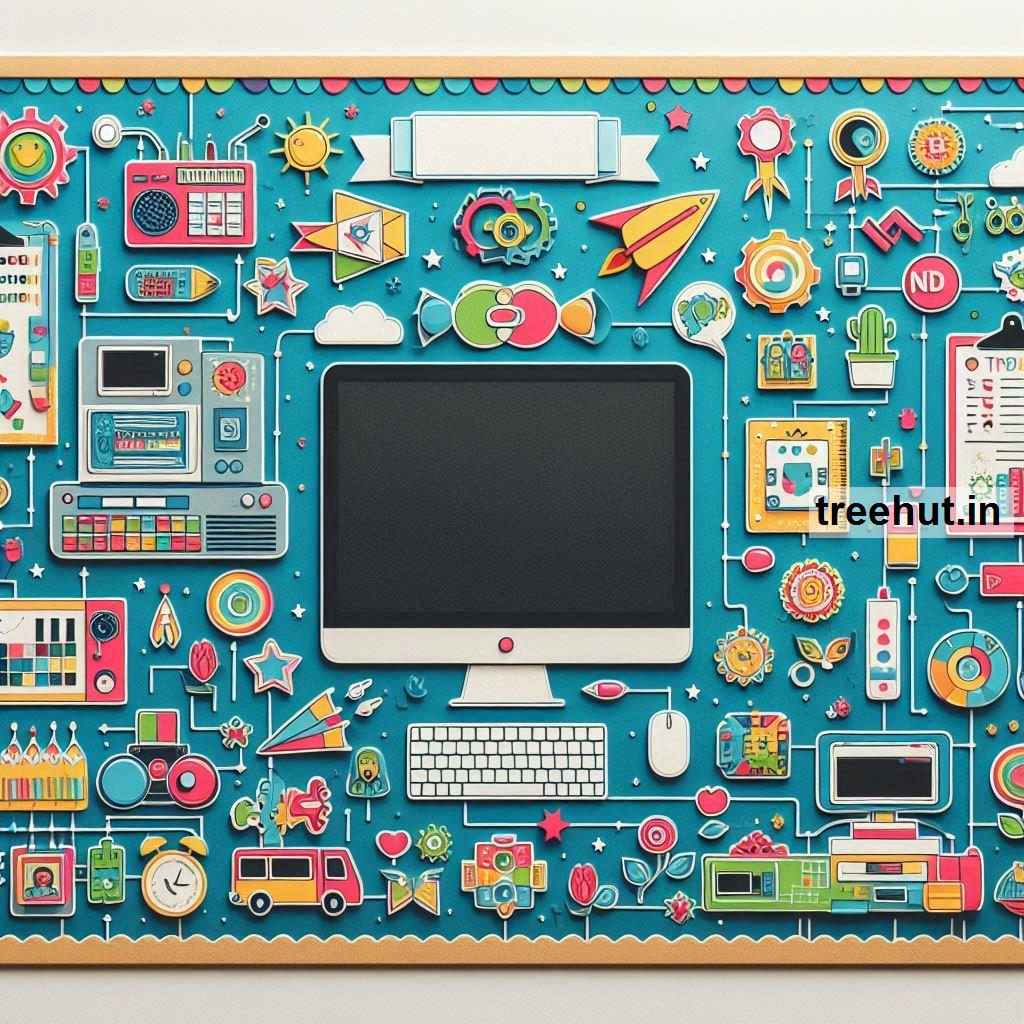
- Design: Create a computer monitor with fun "bytes" of knowledge about technology, such as the history of computers, parts of a computer, or simple coding facts.
- Interactive Element: Add flaps with fun tech trivia for students to uncover.
3. "Tech-Savvy Superstars"
- Design: Feature a keyboard design with each key labeled with student goals or achievements in computer skills (e.g., "Learn to type" or "Create a PowerPoint").
- Interactive Element: Allow students to add their names to the keyboard as they accomplish specific tech-related tasks.
4. "The Internet Connection"
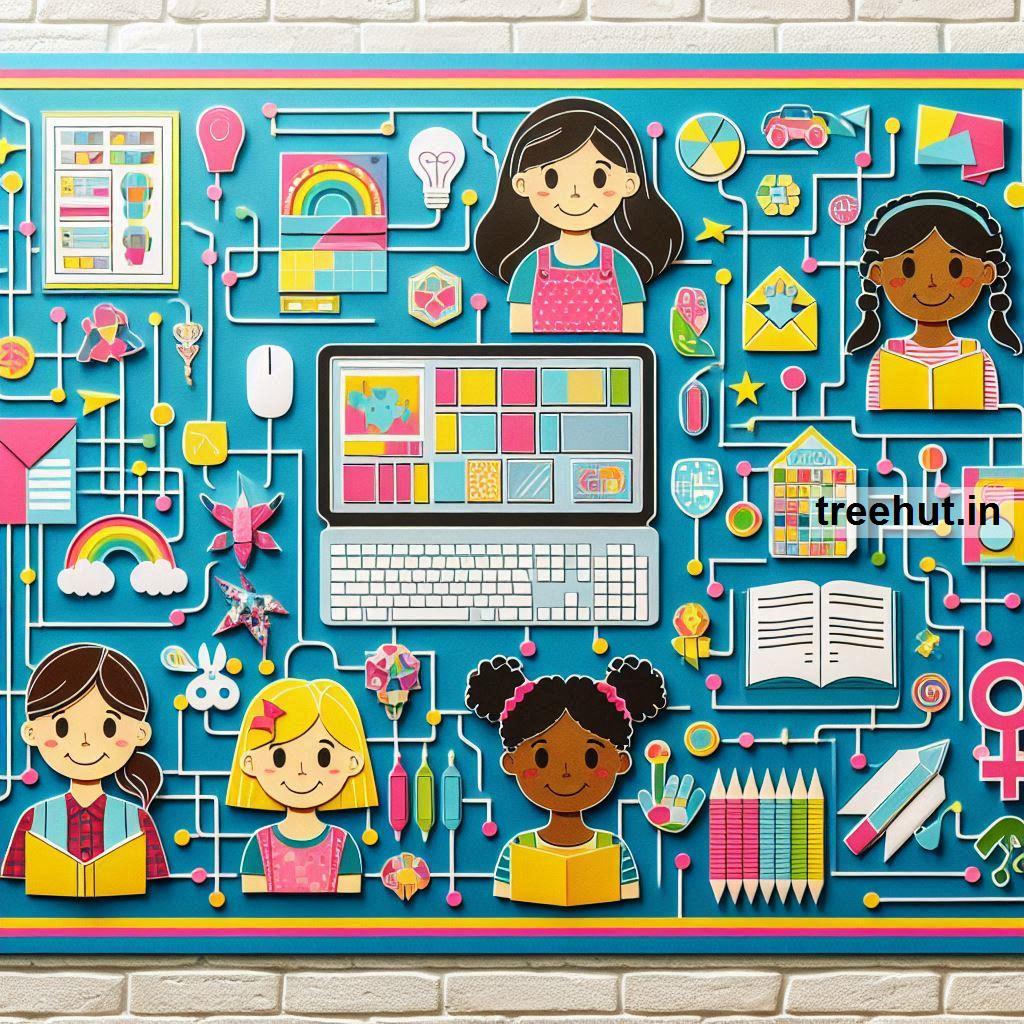
- Design: Use a network of wires connecting various devices like desktops, laptops, and tablets, with facts about how the internet works.
- Interactive Element: Create a "safe internet usage" corner where students write tips for online safety.
5. "Coding is Cool!"
- Design: Show a block-based coding interface with sample codes for Scratch or other kid-friendly platforms.
- Interactive Element: Add QR codes linking to tutorials or let students contribute their own coding projects to the board.
6. "Parts of a Computer"
- Design: Feature illustrations or images of computer parts like the monitor, CPU, keyboard, mouse, and printer, with their functions.
- Interactive Element: Include a matching game where students can pair parts with their descriptions.
7. "The Binary Board"
- Design: Highlight binary code with the numbers "1" and "0" creating fun messages (e.g., "Hello" or "We Love Tech").
- Interactive Element: Provide students with their names in binary and let them decode it.
8. "From Abacus to AI"
- Design: Show the evolution of technology, starting from the abacus to modern-day AI, with pictures and timelines.
- Interactive Element: Have students guess what the next big invention might be and add it to the board.
9. "Tech Troubleshooting Tips"
- Design: Create a "help desk" theme with common tech problems and simple solutions (e.g., "Restart the computer" or "Check your Wi-Fi").
- Interactive Element: Let students contribute their own tech tips.
10. "Dream Big with Technology"
- Design: Display tech-related careers (e.g., programmer, graphic designer, game developer) with pictures and brief descriptions.
- Interactive Element: Have students share which tech-related job they'd love and why.
Classroom Activity Ideas
1. Keyboard Relay Race
- Activity: Set up a keyboard and challenge students to locate specific keys or type words quickly and accurately.
2. Build a Computer
- Activity: Use a diagram or a cardboard model to teach the parts of a computer. Students can assemble the "parts" into a completed machine.
3. Coding with Colors
- Activity: Use color-coded cards to teach basic coding concepts. For example, red = move forward, blue = turn right, etc. Students can "code" each other to move through a maze.
4. Pixel Art
- Activity: Have students create images using graph paper and color codes to understand how computer graphics work.
5. Internet Safety Skits
- Activity: Students perform short skits showing the dos and don’ts of internet safety, such as avoiding sharing personal information online.
6. Design a Web Page
- Activity: Introduce HTML basics and let students create a simple web page using text editors like Notepad or online platforms.
7. Create a Digital Story
- Activity: Use software like PowerPoint, Google Slides, or Scratch to let students design and narrate a story using text, images, and animations.
8. Binary Code Bracelets
- Activity: Teach binary numbers and have students make bracelets with "1" and "0" beads to represent their initials.
9. Virtual Field Trip
- Activity: Take students on a virtual tour of a tech company (e.g., Google or NASA) to learn about how technology is developed and used.
10. Tech Word Search
- Activity: Create a word search with technology terms like "mouse," "keyboard," "internet," and "coding."
11. "Unplugged" Coding
- Activity: Teach coding logic without computers by having students write step-by-step instructions for a partner to "execute" as a robot.
12. Build a Game
- Activity: Use beginner-friendly platforms like Tynker or Scratch to teach students how to create their own simple video games.
These ideas integrate creativity, exploration, and skill-building, making computer technology an exciting topic for elementary students.