



Computer Cake Decoration Ideas with Cake Decoration Techniques and Tips
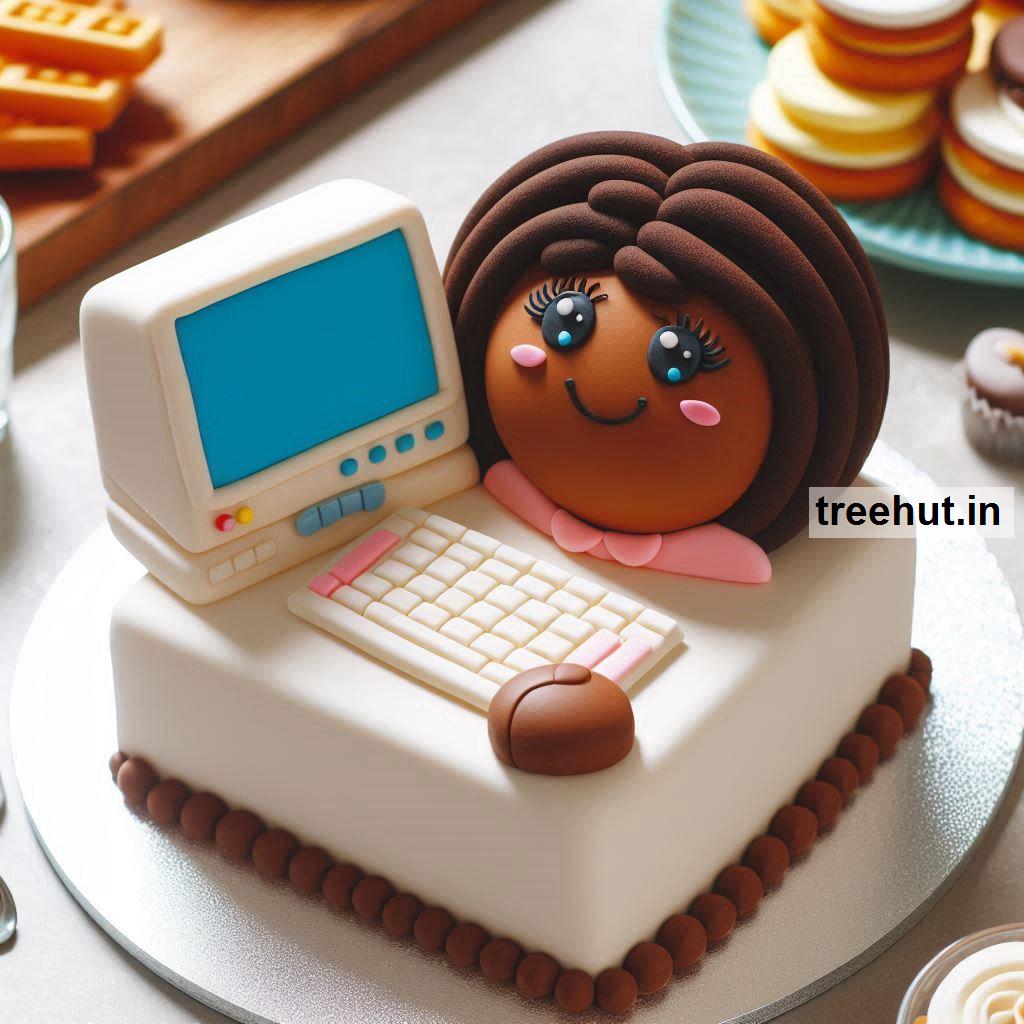
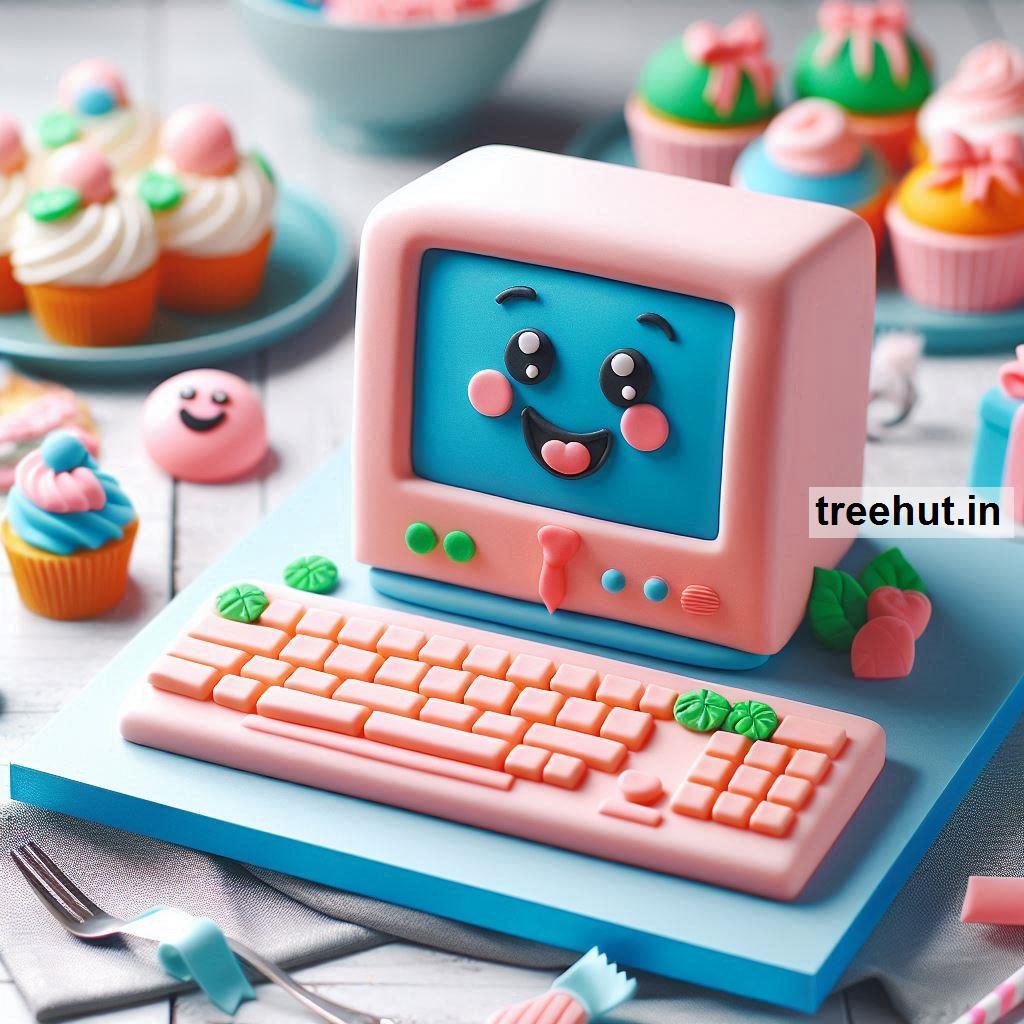
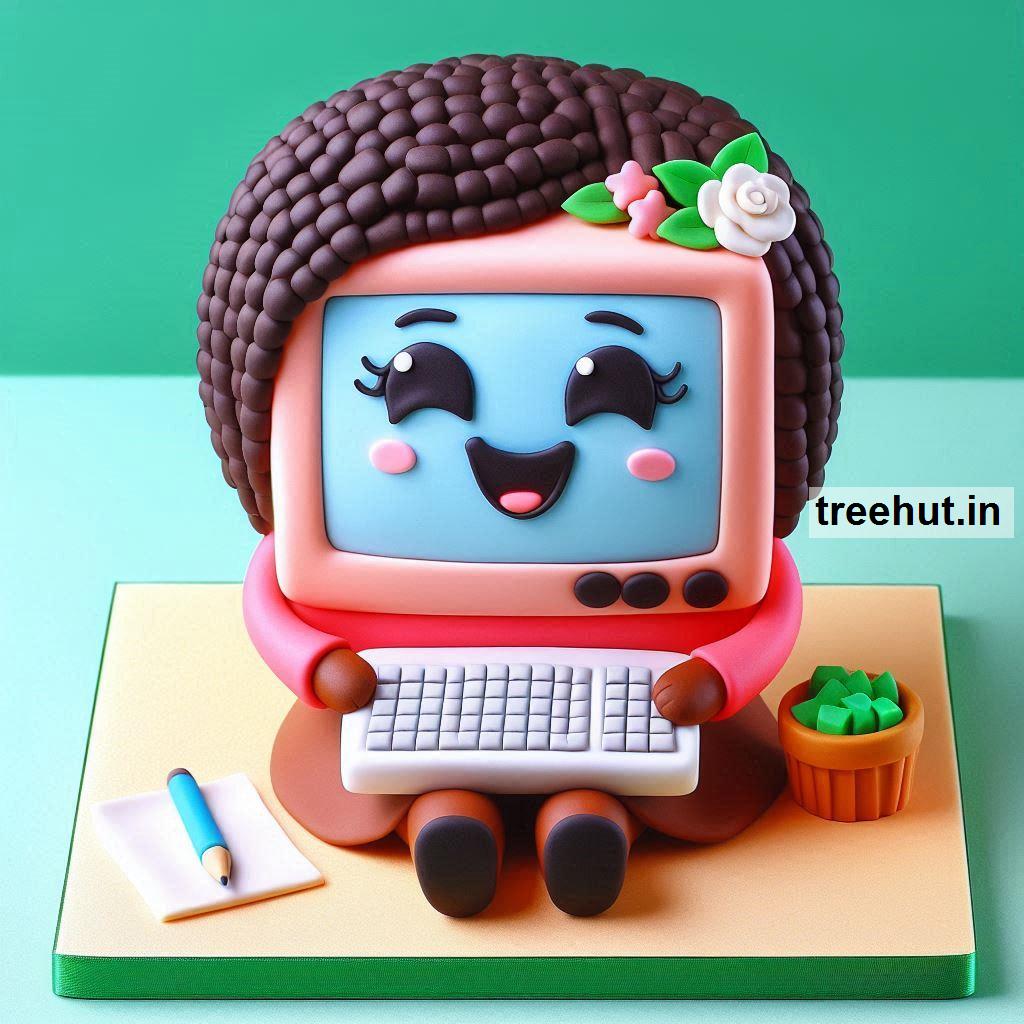
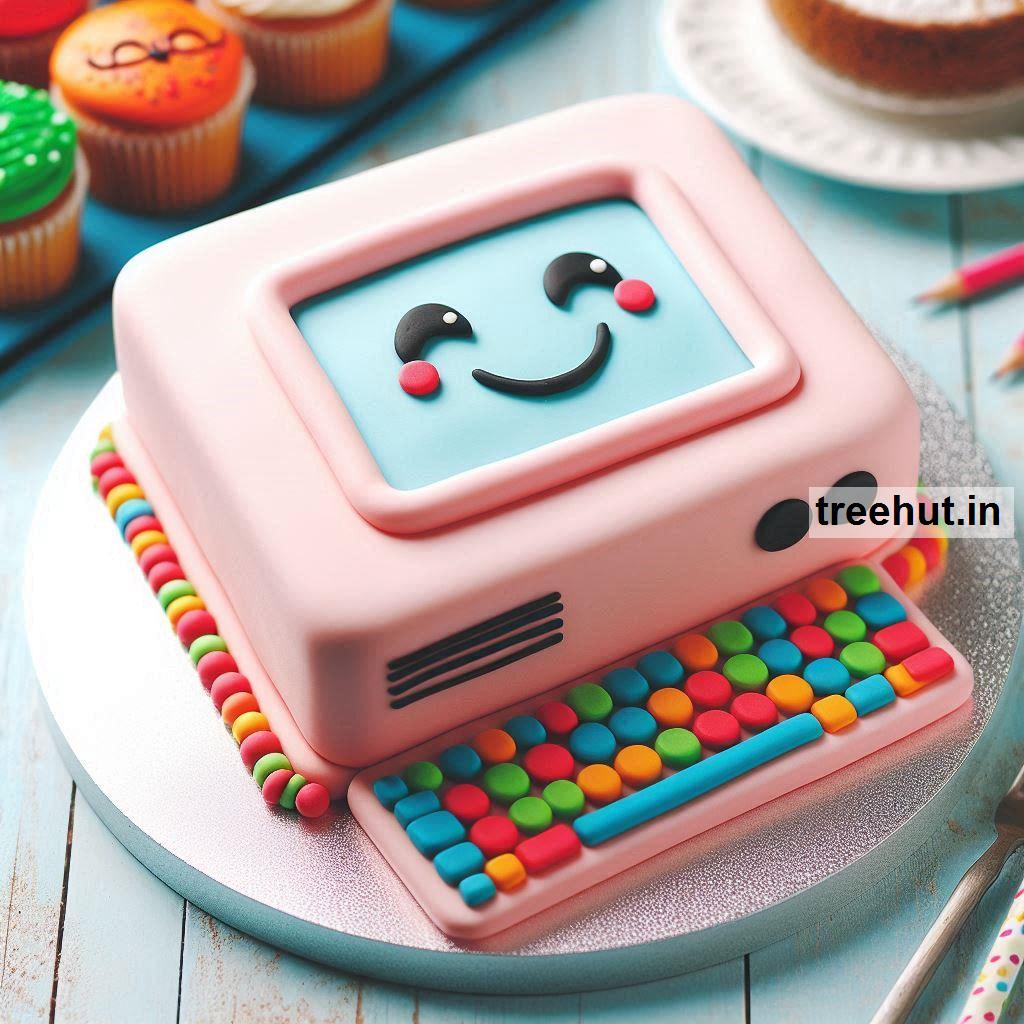
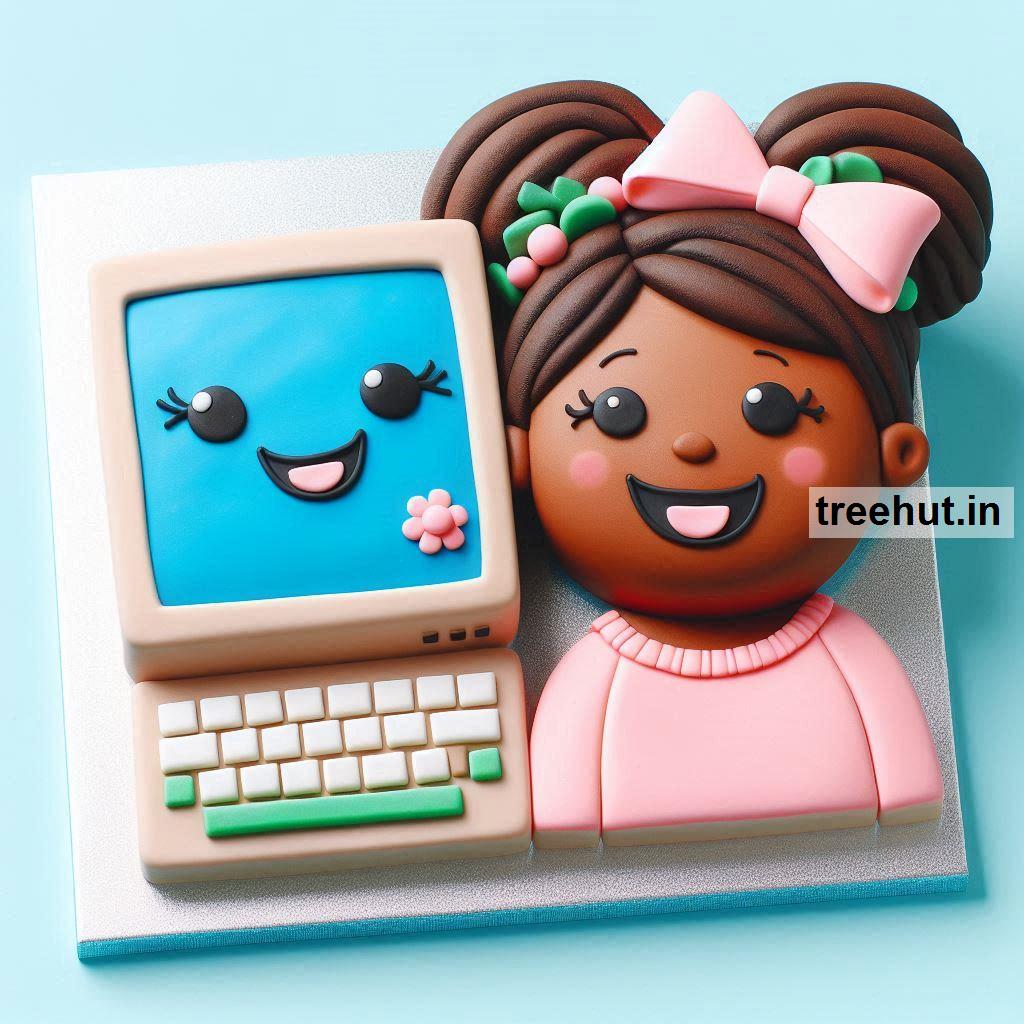
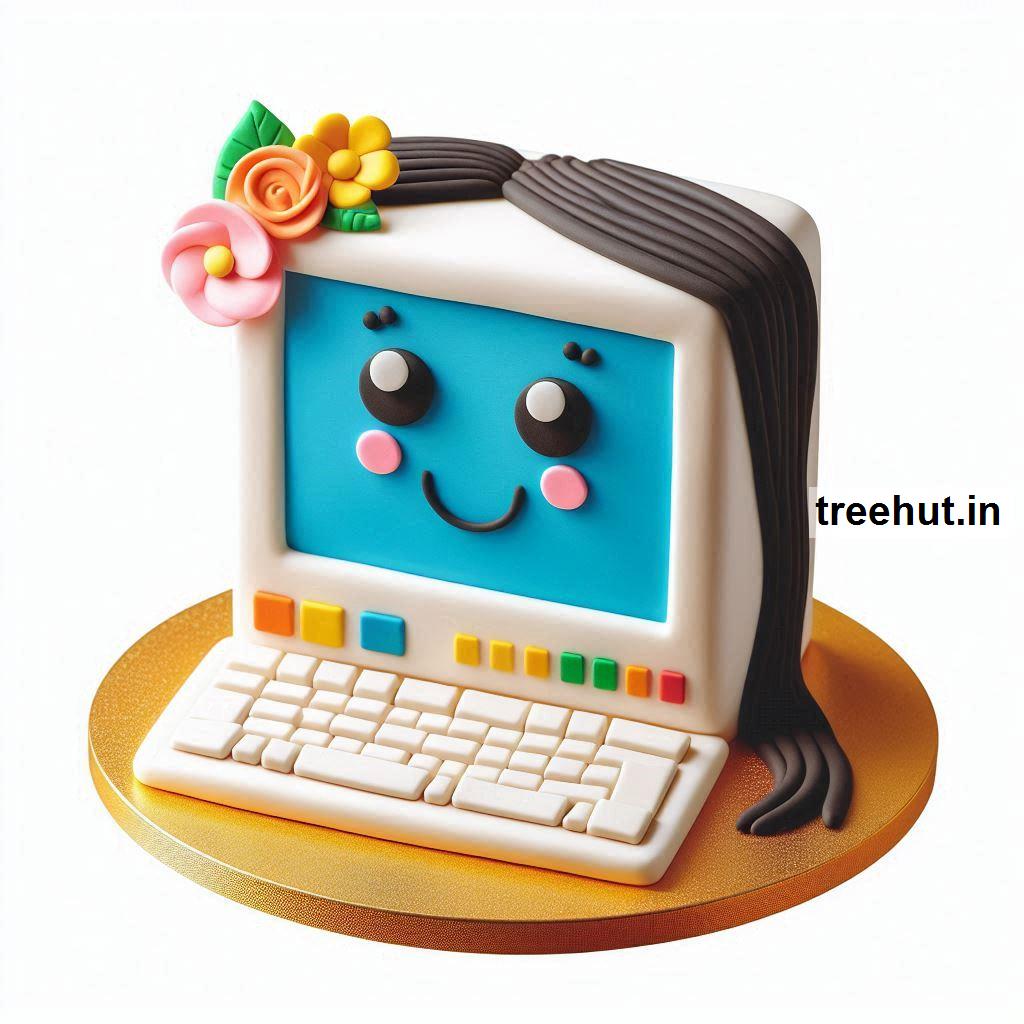
Computer Cake Decoration Ideas, Techniques, and Tips
A computer-themed cake is a creative choice for tech enthusiasts, gamers, or professionals in the IT world. Here are some decoration ideas and tips to bring your computer cake to life, along with practical techniques for both beginners and advanced bakers.
Cake Themes and Ideas
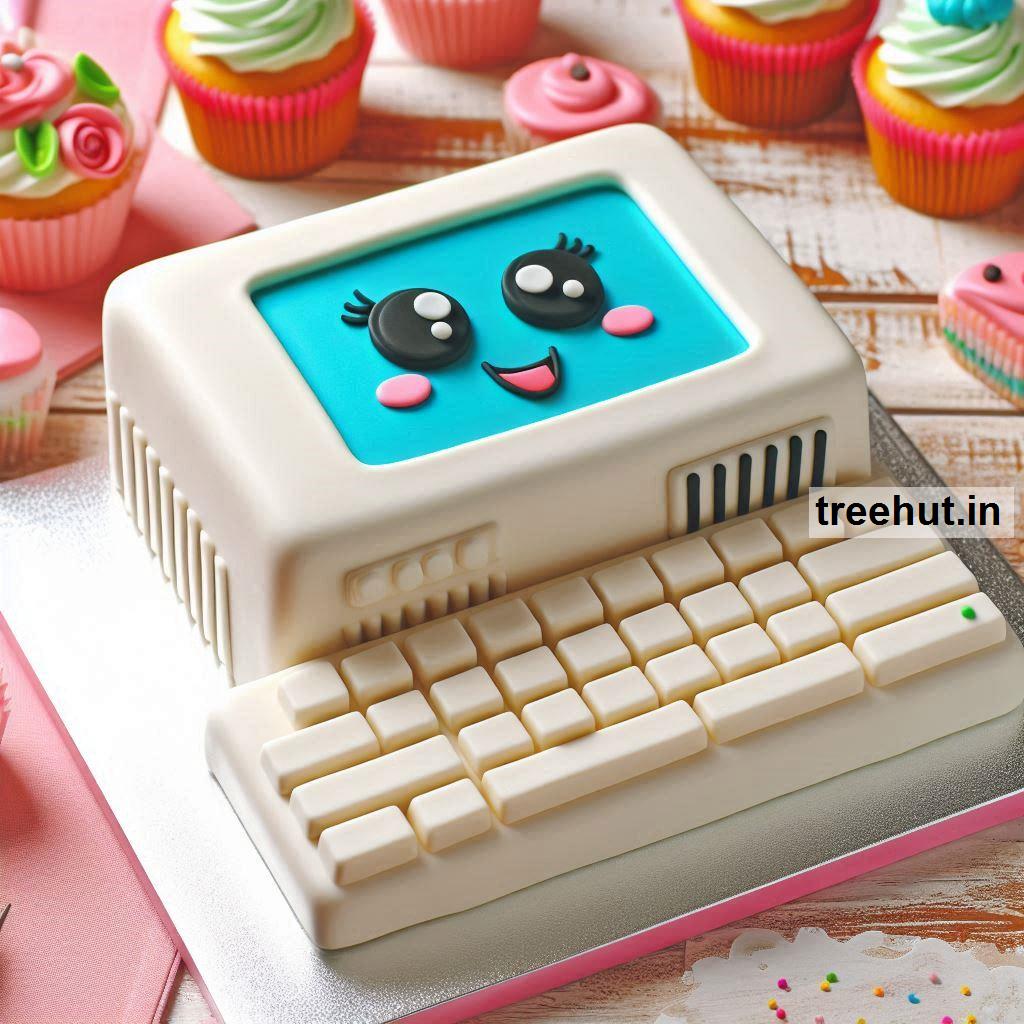
- Laptop Cake: A rectangular cake decorated to look like a laptop, complete with a screen and keyboard.
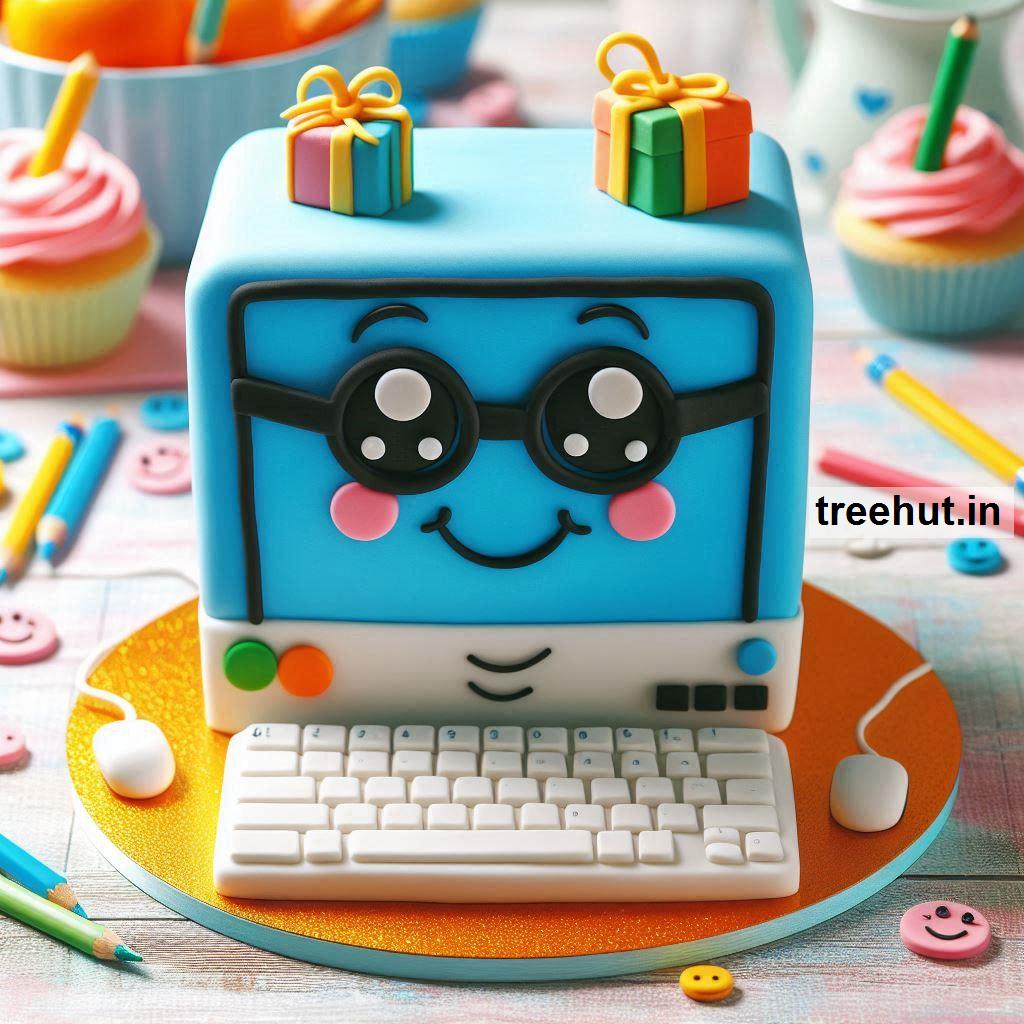
- Desktop Setup: A multi-tiered cake with a monitor, keyboard, and mouse crafted from fondant or modeling chocolate.
- Coding Cake: Decorate with edible printed lines of code or binary numbers.
- Gaming PC: A 3D cake mimicking a gaming tower with LED-style decorations.
- Keyboard Cake: A cake designed as a full-size keyboard with realistic keys.
- Tablet Cake: A sleek, modern cake shaped like a tablet with an edible screen image.
- Vintage Computer: Celebrate nostalgia with a retro computer-themed design, complete with floppy disks.
- Circuit Board Design: Decorate with edible circuit patterns using green and gold fondant.
80 Cake Decoration Techniques and Tips
Base Decoration Techniques
- Rectangular Base: Use a sheet cake as the base for easy customization.
- Rounded Edges: Smooth out corners for a more polished computer look.
- Textured Finish: Use a patterned mat or tool to create a plastic or metal-like texture.
Screen Design
- Edible Images: Print a computer screen or favorite website using edible paper.
- Fondant Screen: Cover a section of the cake in fondant and paint details with food-safe pens.
- LED Effect: Use neon-colored icing or piping gel for a glowing look.
- Code Lines: Pipe random characters or binary for a tech-inspired screen.
Keyboard Techniques
- Fondant Keys: Roll small squares of fondant and imprint letters for realistic keys.
- Chocolate Keys: Mold chocolate into key shapes and attach them to the cake.
- Stenciled Keyboard: Use a stencil to airbrush or paint a keyboard design.
Mouse and Accessories
- 3D Mouse: Sculpt a computer mouse using rice cereal treats covered in fondant.
- Wired Design: Use licorice or thin fondant ropes to mimic wires.
- USB Flash Drive: Create a fondant USB and place it beside the cake.
Gaming Setup
- Controller: Add gaming controllers using fondant or chocolate molds.
- RGB Lighting: Use brightly colored piping gel or edible glitter to replicate RGB effects.
- Cooling Fans: Create edible fans using circular fondant cutouts and edible metallic paint.
Circuit Board Details
- Fondant Circuits: Pipe or paint circuit patterns on a green fondant background.
- Candy Components: Use small candies like M&Ms for microchips and connectors.
- Gold Accents: Highlight details with edible gold paint for a realistic touch.
Layered and Tiered Cakes
- Monitor and Tower: Create a tiered cake where the top represents a monitor and the bottom is a computer tower.
- Stacked Discs: Design layers to look like stacked CDs or hard drives.
Decorative Toppers
- Edible Logo: Add edible logos like a Windows, Apple, or Linux symbol.
- Mini Figurines: Top with fondant figures of a programmer or gamer.
- Gamer Avatar: Personalize with a fondant avatar of the recipient.
Creative Materials
- Modeling Chocolate: Use it for fine details like cables and connectors.
- Piping Gel: Ideal for creating screens or a glassy effect.
- Isomalt: Create edible glass screens or LED panels.
Tips for Detailing
- Precision Tools: Use fine-tipped piping bags or food-safe pens for intricate designs.
- Food Coloring: Mix gel colors for vibrant, tech-inspired hues.
- Edible Glitter: Enhance the futuristic feel with shimmering accents.
Advanced Techniques
- 3D Shaping: Sculpt a fully edible laptop or computer tower using multiple layers.
- Airbrushing: Add depth and shading with an airbrush tool for realistic textures.
- LED Light Strips: Use battery-operated, food-safe LED lights for a high-tech look.
Tips for Execution
- Structural Support: Use dowels and cake boards for tiered or 3D designs to maintain stability.
- Smooth Finish: Achieve clean edges using fondant smoothers or acetate sheets.
- Time Management: Plan and prepare decorations in advance to reduce stress on decorating day.
Flavor Combinations
- Chocolate Cake with Espresso Buttercream: A nod to late-night coding.
- Vanilla Cake with Raspberry Filling: Simple yet striking with bright colors.
- Cookies and Cream Cake: Perfect for gaming fans.
- Lemon Cake with Blueberry Buttercream: Fresh and visually appealing.
- Caramel Cake with Salted Caramel Buttercream: A rich, indulgent choice.
These ideas and techniques will make your computer-themed cake a standout centerpiece for any tech-savvy celebration!